Your Azeroth adventure journal.
Play normally. Rambleon quietly remembers the night. When you log out, it hands you a permanent record: a timeline, a factual log, a story page with your screenshots, and a journal chapter written from what actually happened.
Read The Chronicle of Cassidy See an example journal Source on GitHub
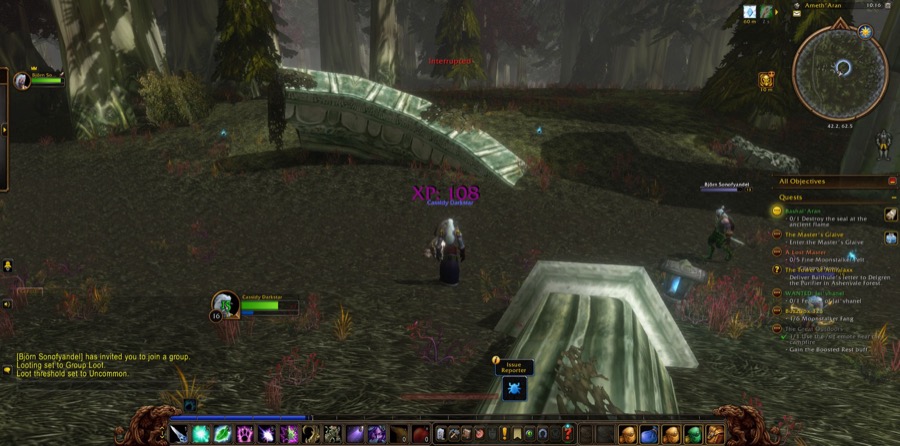
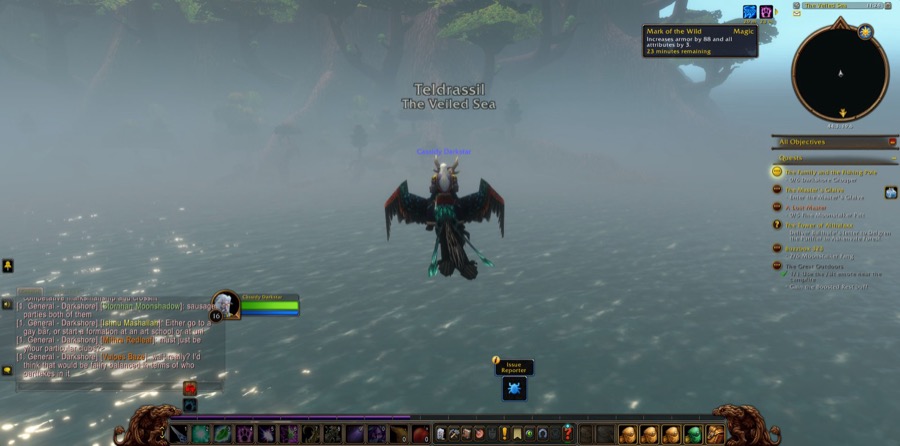
What a night looks like
Rambleon Birdsong · September 21, 2026 · 1h 47m in Azeroth

 9:47 PM — Began the adventure
 9:55 PM — Completed "Zenn's Bidding"
10:01 PM — Entered Starbreeze Village (Teldrassil)
10:13 PM — 8/8 Timberling Seed — "Timberling Seeds"
10:14 PM — Note: "alone at the lake slayin timberlings"
10:24 PM — Reached Level 9
11:01 PM — Joined forces with Tiamaat (Druid)

Levels gained: 1 · Quests completed: 10 · Places visited: 9 · People: 2
Then a chapter in your chosen voice, a short recap for socials, and an HTML story page, all built by themselves after you log out.
Rambleon is a memory layer, not a meter. It never automates anything, never reads protected combat data, and never needs the network in game. Think Strava recap, travel journal, captain's log.
Playing with it
/ramble
Opens the panel: time, place, level, quests, places, loot, people, and the recent journey.
/ramble note
Your own words are the best evidence the writer gets. "The cave is extremely cursed" ends up in the chapter.
/ramble mark
Remember this moment and take a picture. Level ups and first steps into a new zone are photographed too.
Log out. That is the save.
A few seconds later the chapter is written on your Mac. ramble share tonight puts it on your own GitHub Pages site.
No Mac, or no terminal?
Make your own Chronicle writes a chapter from the addon's file alone: install only the addon, play, log out, and drop Rambleon.lua on the page. Windows works. The full companion below gives you the picture-book pages and the in-game reader.
Install (macOS)
brew install uv
uv tool install "git+https://github.com/realworldbuilder/rambleon#subdirectory=companion"
ramble setup
Chapters are written for you after each night. Without the writer set up you still get the timeline, the story page, and a prompt file you can paste anywhere. Status: early, real, and used nightly by its author on the World of Warcraft: Forever beta. MIT licensed. Windows is on the roadmap.